Appearance
Cloud Syslog Integration
Create a Source and Input Feed
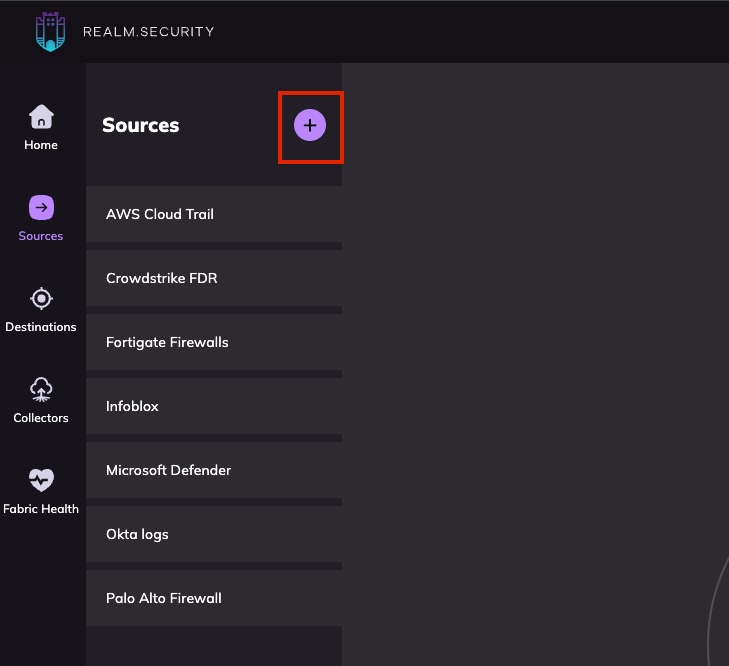
- In Realm, go to Sources > Add Source.
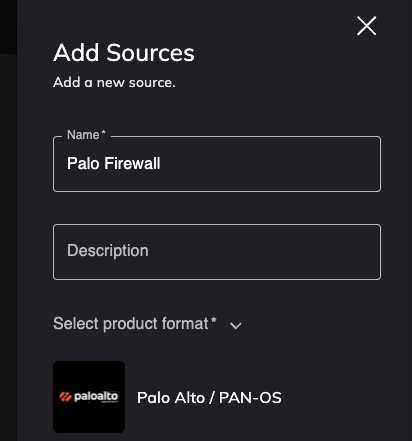
- Enter a name for your source and select a Product Format (e.g., Palo Alto, Fortigate).
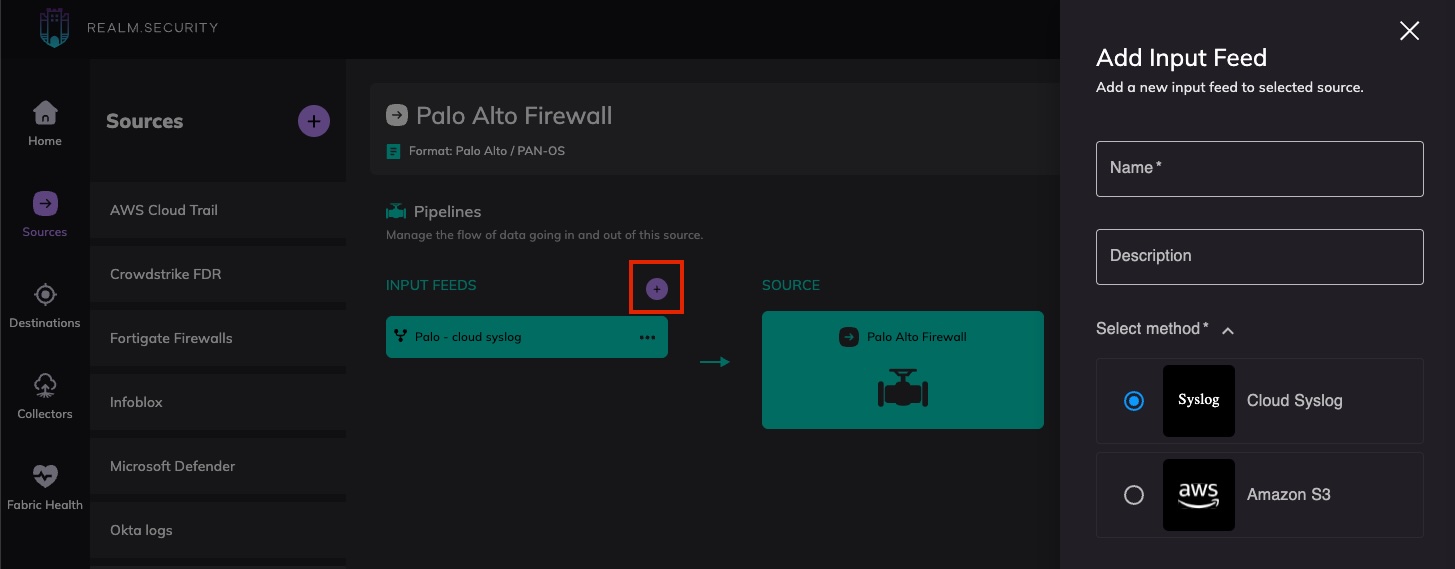
- From the source page, click Add Input Feed.
- Select Cloud Syslog and give it a name to identify the data source.
View Syslog Connection Details
The Syslog connection details contain everything needed to configure the Syslog exporter in your vendor console.
- Click
...> View for the Cloud Syslog input feed.

- Copy the Syslog Hostname, Port, and Protocol and enter them into the vendor Syslog export settings.
- Copy the Realm CA Certificate, save it to a file, and add it to the Syslog export settings in the vendor console.
Configure Your Log Sources
Update your on-premises log sources (firewalls, DNS routers, switches, etc.) to send logs to Realm Cloud.
- See the Fortigate guide for configuring a Fortigate firewall to send data to Realm.
- See the Palo Alto guide for configuring a Palo Alto firewall to send data to Realm.