Appearance
Mimecast Email Integration
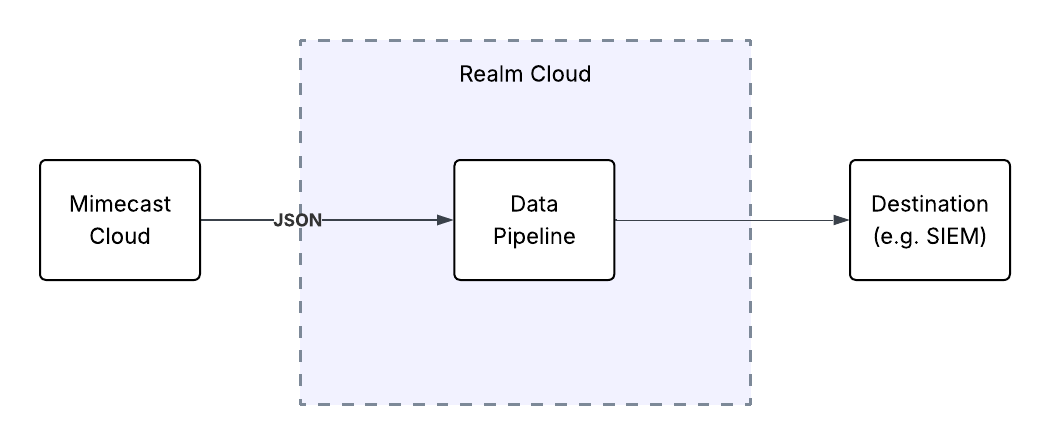
Realm Security can collect Mimecast email event data via the Mimecast Event Push integration. Mimecast pushes JSON event data to a Realm Cloud HTTP input feed.
Prerequisites
- Administrative access to the Mimecast Administration Console
- Mimecast Event Push feature enabled on your account
Realm Console
- In Realm, go to Sources > Add Source.
- Enter a name for your source and select Mimecast Email as the Source Type.
- From the source page, click Add Input Feed.
- Select Cloud HTTP as the method and give it a name to identify the data source.
- Copy the HTTP Endpoint URL and Authentication Token — you will need these when configuring the Event Push in Mimecast.
Configure Mimecast Event Push
Follow the Mimecast Event Push Integration documentation to configure Event Push in the Mimecast Administration Console.
When configuring the Event Push export, you must provide the following header:
Authorization:
Bearer <token>
Replace <token> with the Authentication Token you copied from the input feed configured in the Realm console.