Appearance
Installing Collector on Windows
Before starting, review the Realm Collector overview for VM requirements, the outbound firewall allow-list, and Realm Console setup — you'll need the install token generated there.
Step 1: Download & Run executable
- Download the .exe https://gitlab.com/realm-security-public/collectors/-/releases
to a suitable temporary location, such as
C:\Users\Administrator\Downloads\realm-collector-amd64.exe
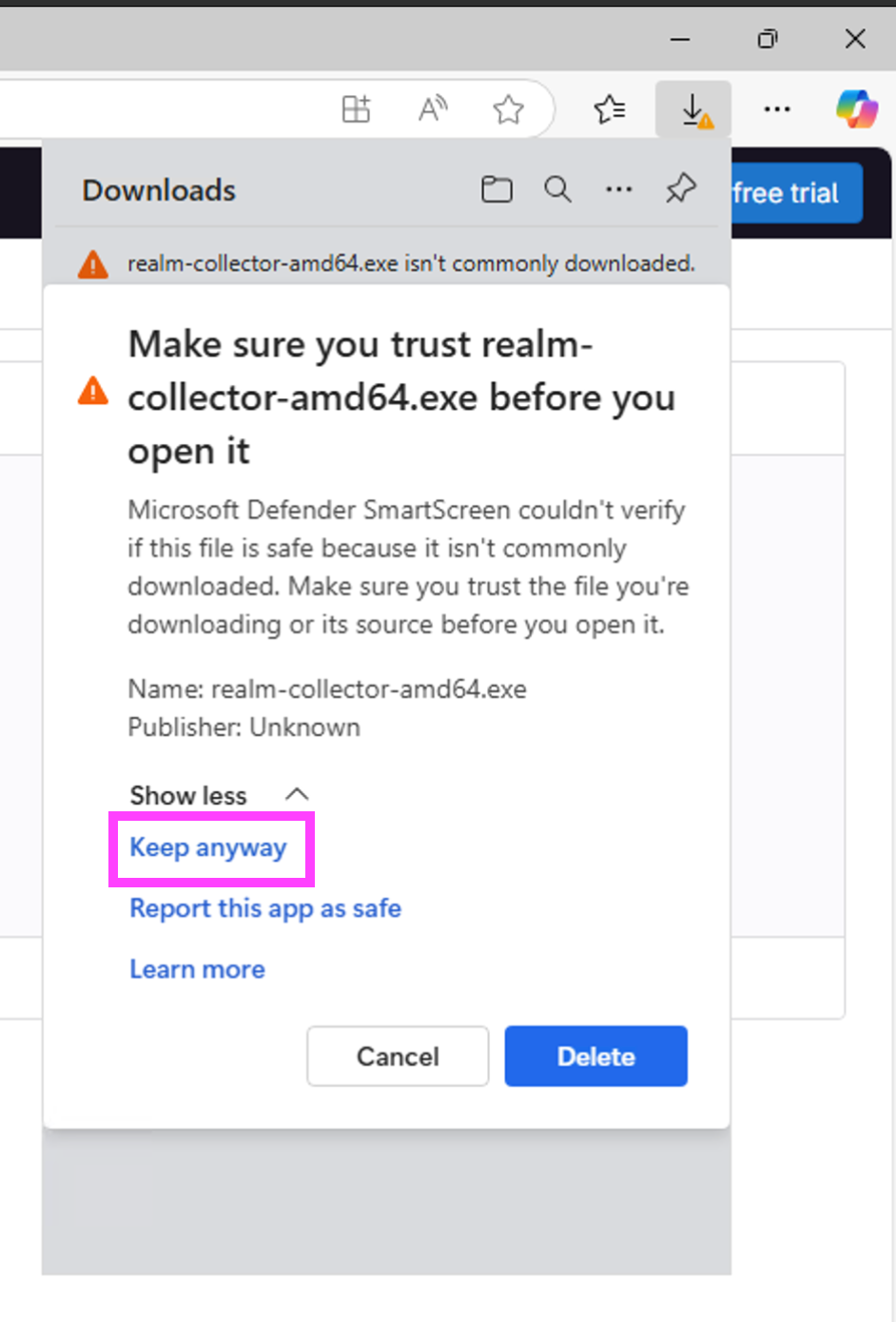
- Open an Administrative terminal
- Open Start menu, search for "Terminal" (called "Windows PowerShell" or "Command Prompt" on older versions)
- Right click and choose "Run as Administrator"
- Run the collector with the install token
cd Downloads
.\realm-collector-amd64.exe --config realm:<TOKEN>
At this point the collector is setup to run as a windows service.
Step 2: Update Host Firewall
- Open Windows Defender Firewall with Advanced Security
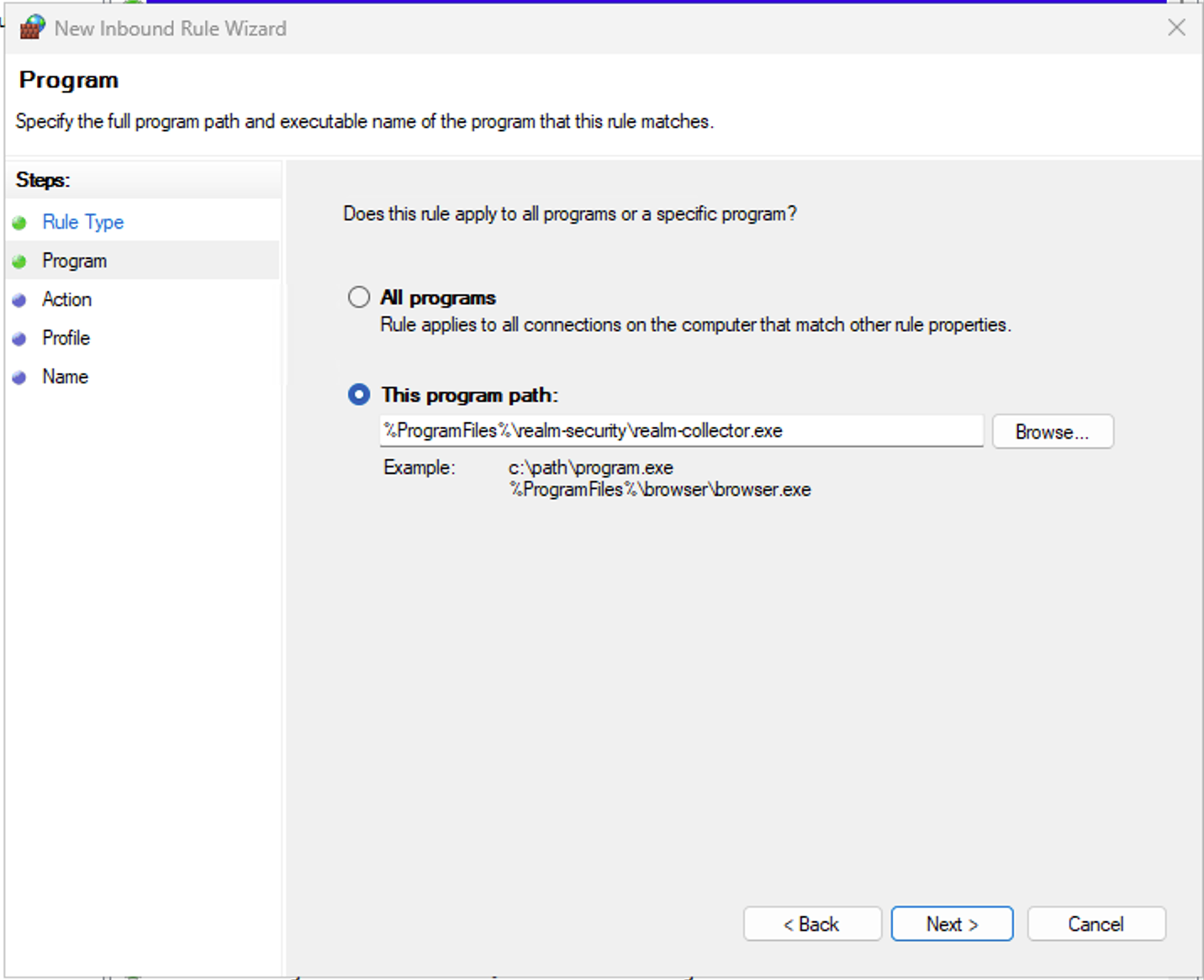
- Create an inbound “Program” rule
- Program:
%ProgramFiles%\realm-security\realm-collector.exe - Action: Allow the connection
- Profile: Domain / Private / Public
- Name: Realm Collector
- If using hardware firewall appliance, open the necessary ports to the VM
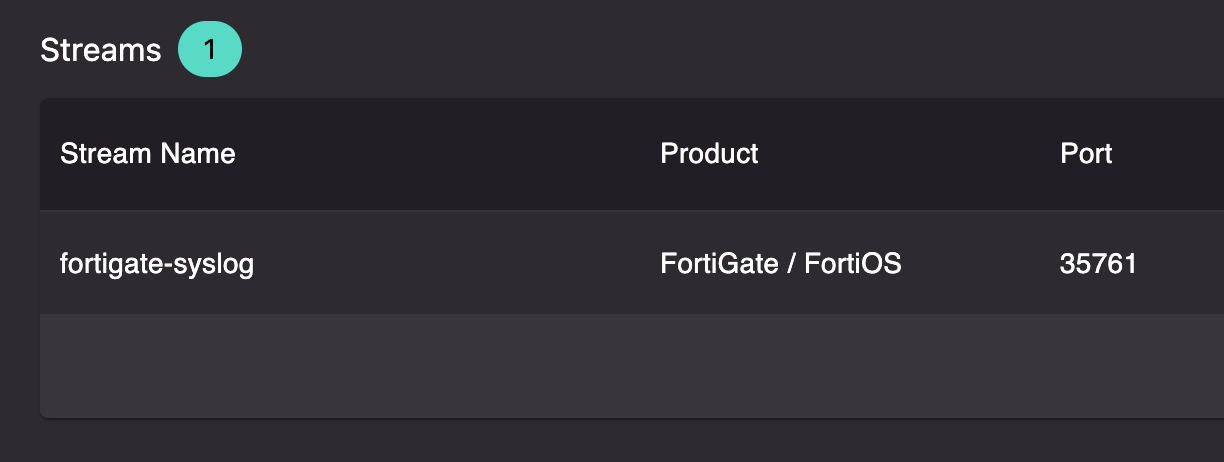
- Required inbound ports are configurable in the Realm console
- Each syslog endpoint requires a unique port on the VM
Troubleshooting
Event Viewer tabs show an unhelpful error
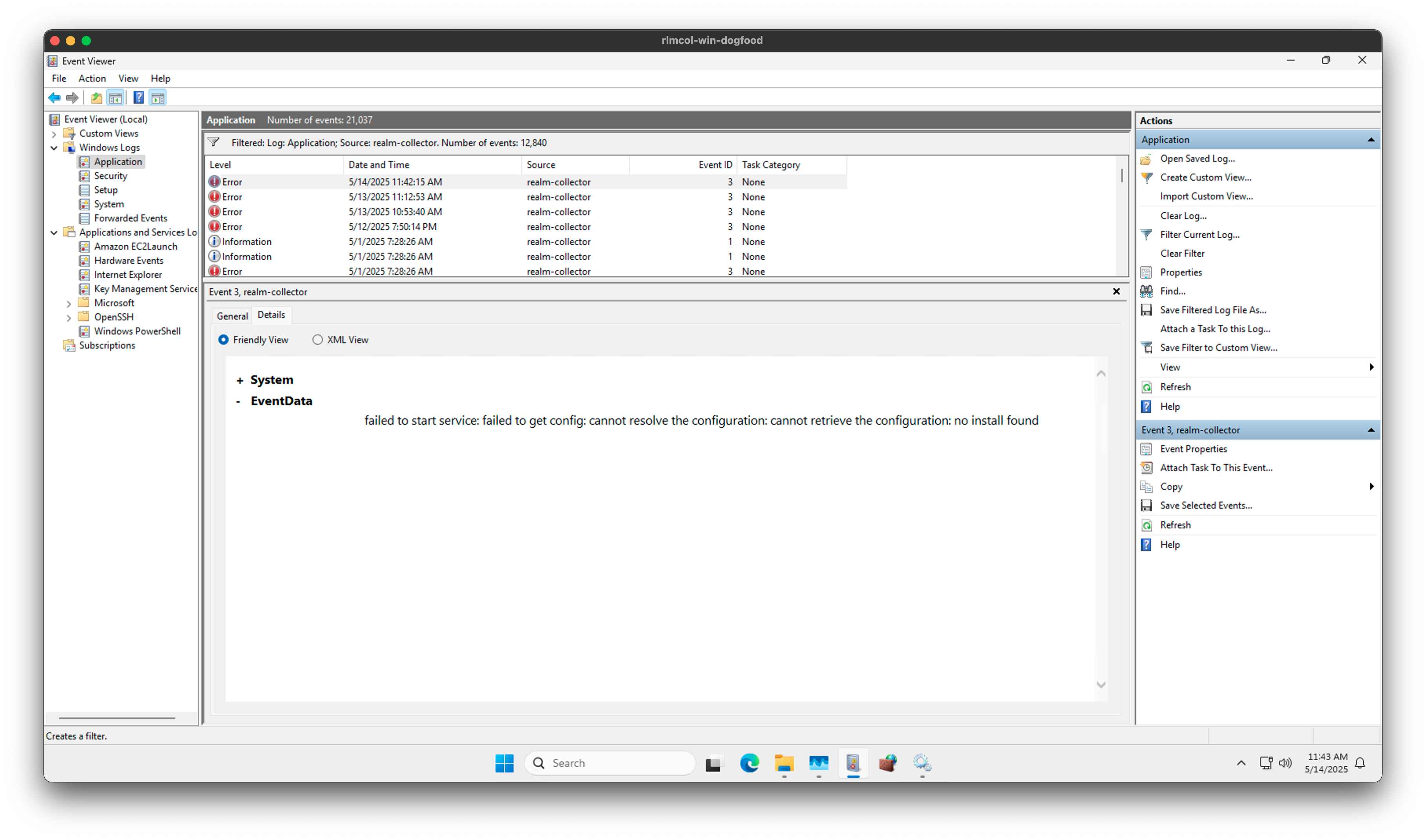
Windows Event Viewer quirk: when viewing events, there's two tabs: "General" / "Details" If the "General" tab shows an unhelpful error that's not from the collector itself, use the "Details" tab. This likely happens until the first reboot after install.
e.g. same error in both tabs 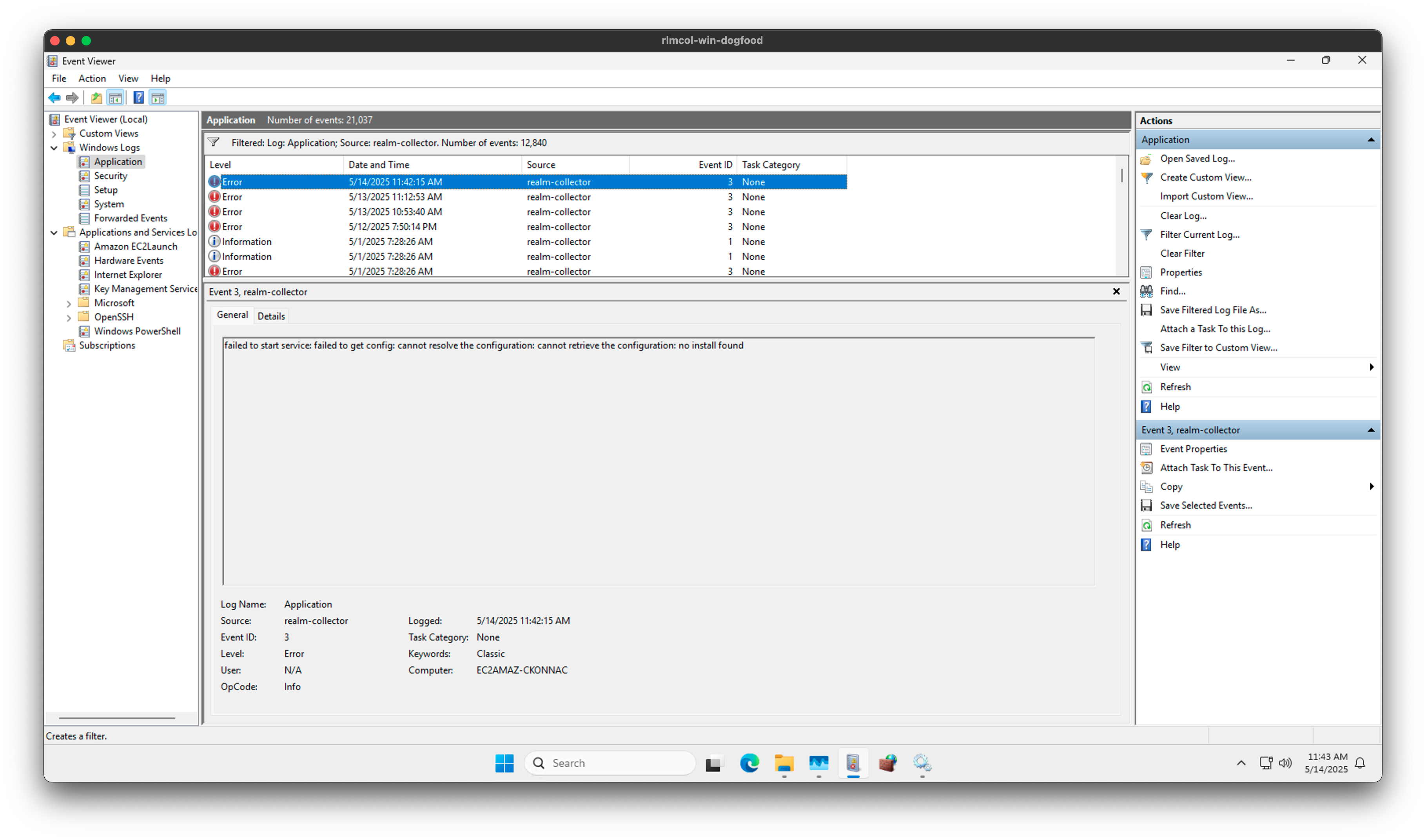
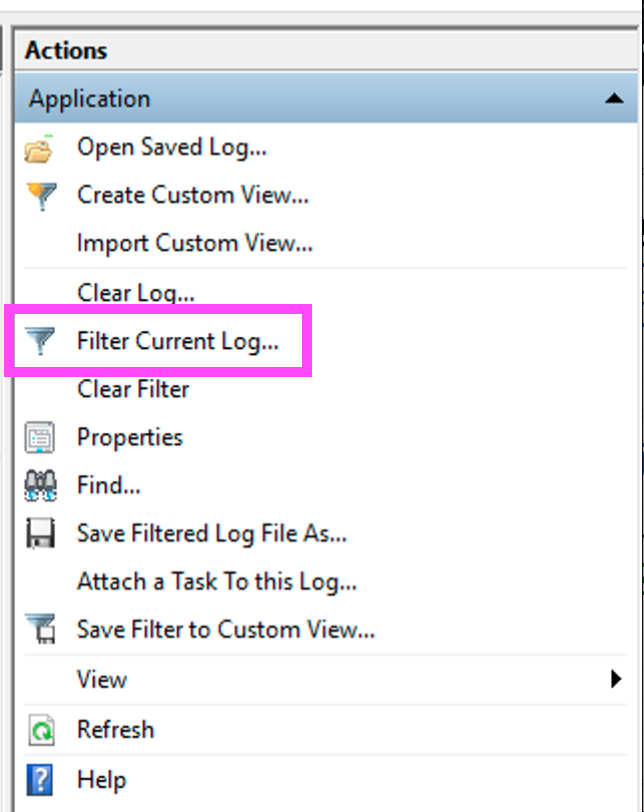
Similarly, you can add a filter for the realm-collector source, but it might not show up in the drop-down until reboot. 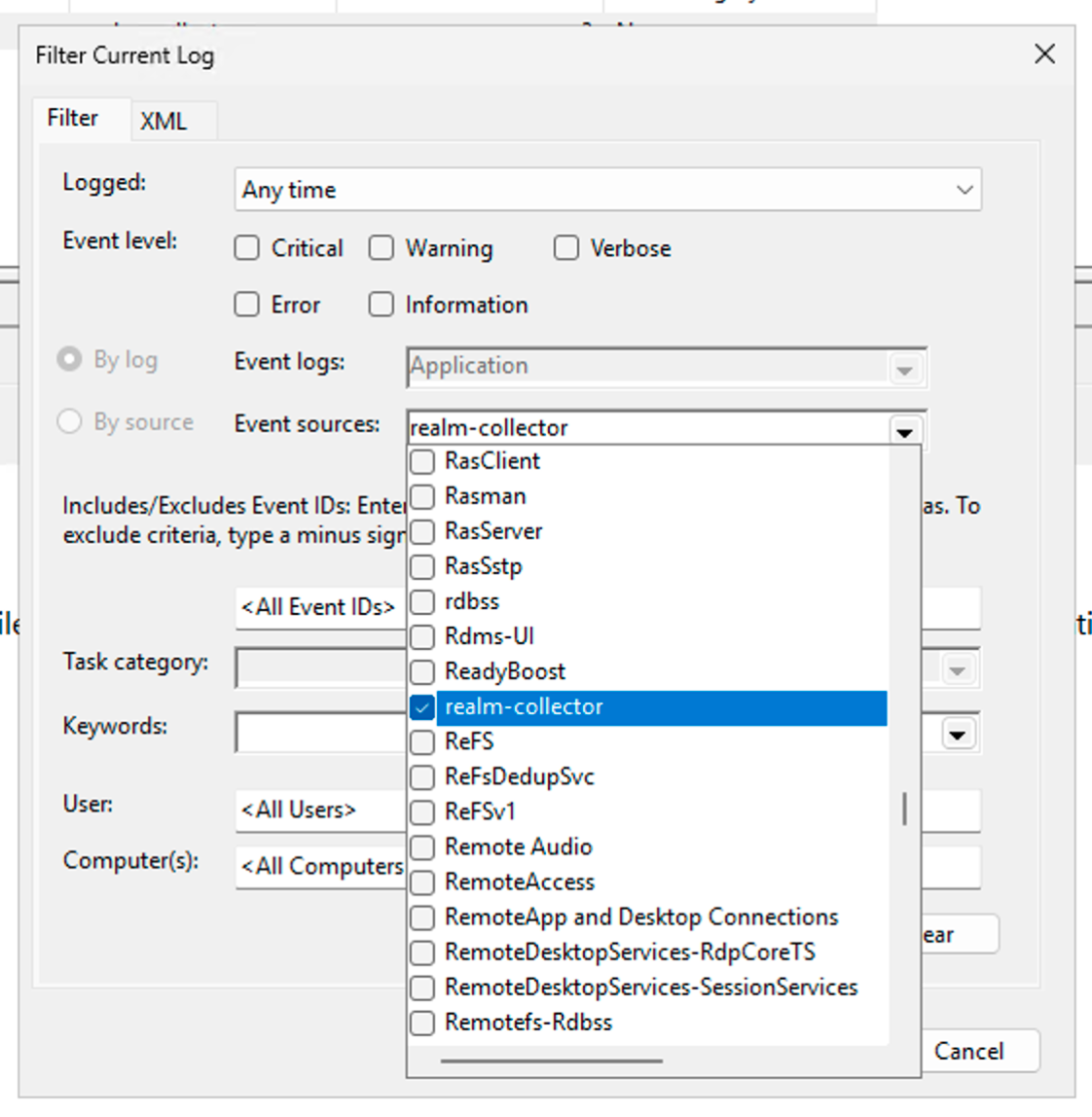
Normal logging behavior
In terms of logging, the collector is very quiet by design, so typically once it starts it'll log a handful of messages and then be silent unless something goes wrong.
Realm-specific: logs metadata about the current config: Loaded collector config {"version": 5, "config_fetched_at": "2025-05-14T13:59:39.633Z"}The version is not visible in the product anywhere, but it something engineering can use for support purposes.
Everything is ready. Begin running and processing data.