Appearance
Akamai ASEC CEF Integration
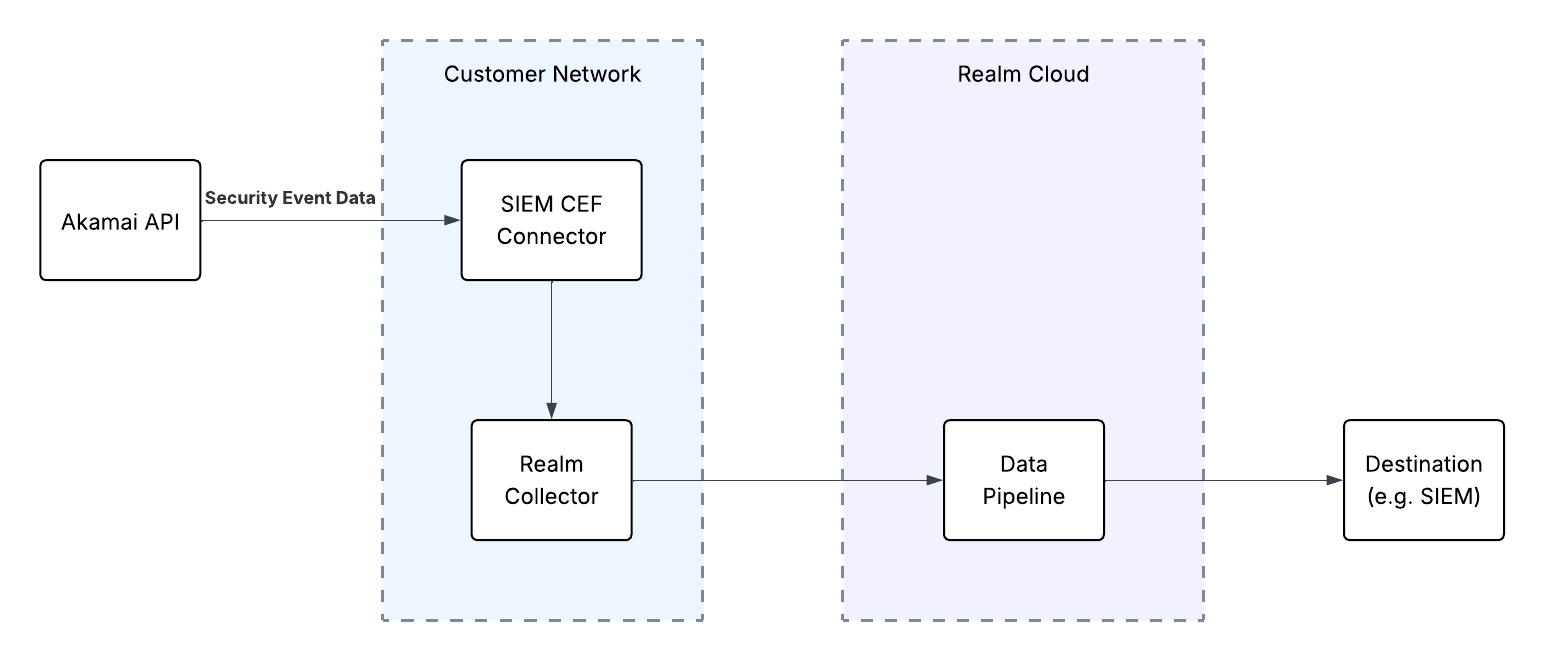
Realm Security receives Akamai Security Events via the Akamai SIEM CEF Connector, forwarded through the Realm Collector.
Prerequisites
- Administrative access to the Akamai Control Center
- SIEM Integration turned on for your Akamai instance. Read more in the Akamai SIEM Integration Documentation
- Take note of the desired Configuration IDs you want data from
Realm Console
- Create a new Akamai ASEC CEF Source.
- Either create a new collector, or use an existing one.
- Create a new Stream to that collector using the Akamai CEF product format and select
Octet Countingfor the Framing. - Follow the Realm Collector install guide to set up and install the collector.
- Take note of the FQDN or IP address of the collector instance, as well as the port.
Akamai Control Center: Configure Akamai SIEM CEF log forwarding
You can see more options on how to configure logging in the Akamai SIEM CEF Connector logging docs.
- Set CEFHost to the IP or FQDN of the Collector installation configured previously.
- Set CEFPort to the correct port of the Realm Collector Syslog Stream.
- Set CEFProtocol to
TCP. - Install the CEF connector on the desired server following the Akamai documentation to Install the CEF connector.