Appearance
Exabeam Integration
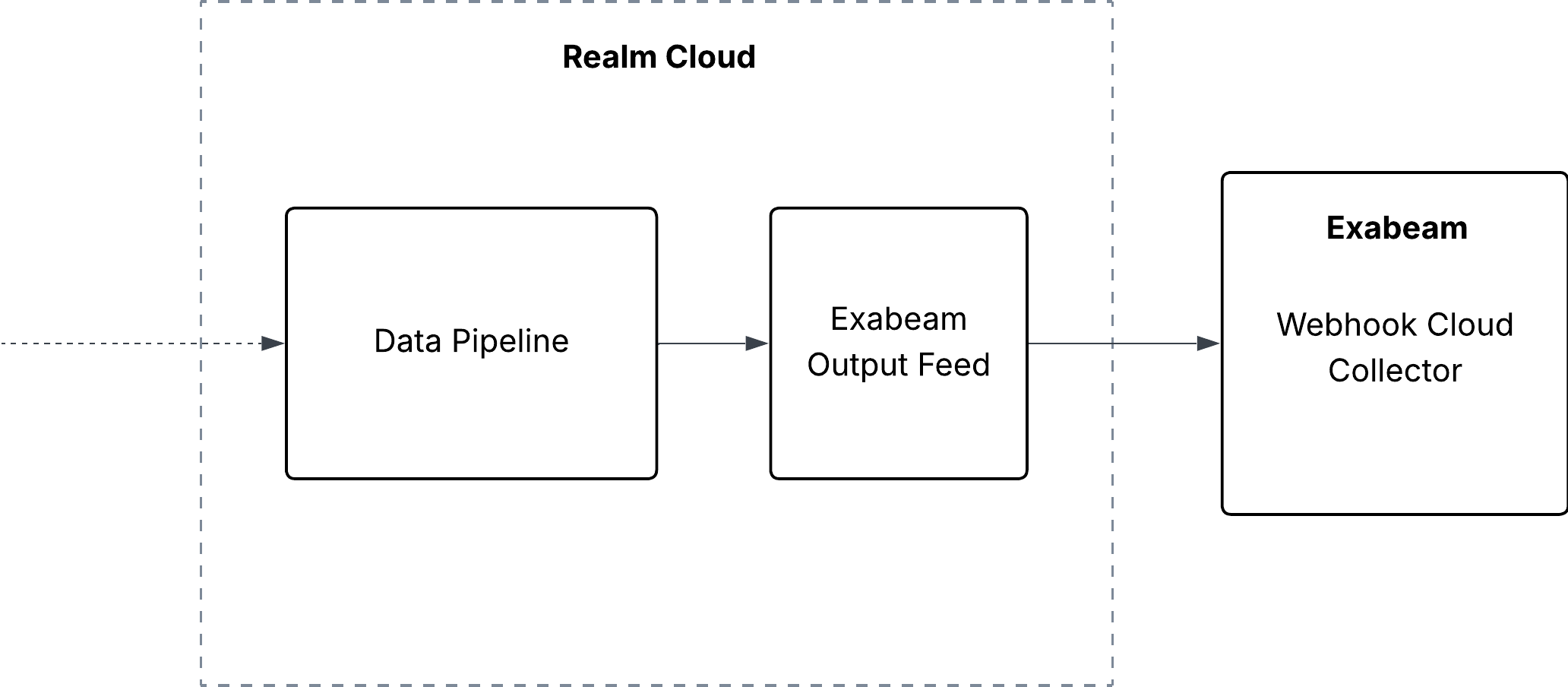
1. Configure a Webhook Cloud Collector in Exabeam
- Log in to the Exabeam New-Scale Security Operations Platform as an administrator
- Navigate to Collectors > Cloud Collectors
- Click New Collector and select Webhook
- Enter a Collector Name (e.g.,
Realm.Security) - Select the Data Format:
JSONorRAW - Save the collector — Exabeam will generate a Webhook URL and Authentication Token
- Copy both the Webhook URL and Token — you will need them in the next section
For more information, see the Exabeam Webhook Cloud Collector Setup Documentation.
2. Configure an Exabeam Output Feed in Realm
Navigate to the Destinations page and select an existing destination or create a new one for Exabeam.
Add a new Output Feed and select Exabeam as the output type.
Set the Name
Optionally add a Description
Select Exabeam as the method
Enter the Webhook URL from the previous section
Example:
texthttps://api2.<REGION>.exabeam.cloud/cloud-collectors/v1/logs/jsonPaste the Token from the previous section — Realm will send this as a Bearer token in the
AuthorizationheaderChoose the Format:
JSONorRAW— this must match the Data Format selected when creating the Exabeam collector
Note: Each Exabeam Webhook Cloud Collector only accepts data from a single source. As a result, each Exabeam Output Feed in Realm must be a 1:1 mapping between a source and a destination. If you need to send data from multiple sources to Exabeam, create a separate Webhook Cloud Collector in Exabeam and a corresponding Output Feed in Realm for each source.